Meta Muse
Planning, preparation, drafting and accountability, with your goals and context in view.
AgentOS by Sizzle Marketing
Your clients, priorities, marketing and growth in one working rhythm. With Meta Muse, your AI Chief of Staff, helping you prepare and follow through.
Built around the work of an RGroup Realty agent.
Configured and supported by Sizzle Marketing.
YOUR MORNING FOCUS
Custom AgentOS demonstration · Fictional agent and sample activity
A clear daily focusPriorities, appointments and follow-through.
A connected client journeyConversations, milestones and the next step.
Support for your growthPersonal AI, marketing and practical learning.
Step inside
Open a priority. Review a client milestone. Ask Muse for a plan. Try the experience with sample records and see where the next action leads.
Features, integrations and AI actions depend on your role, selected configuration and verified connections. Explore the AgentOS workspace here with sample records.
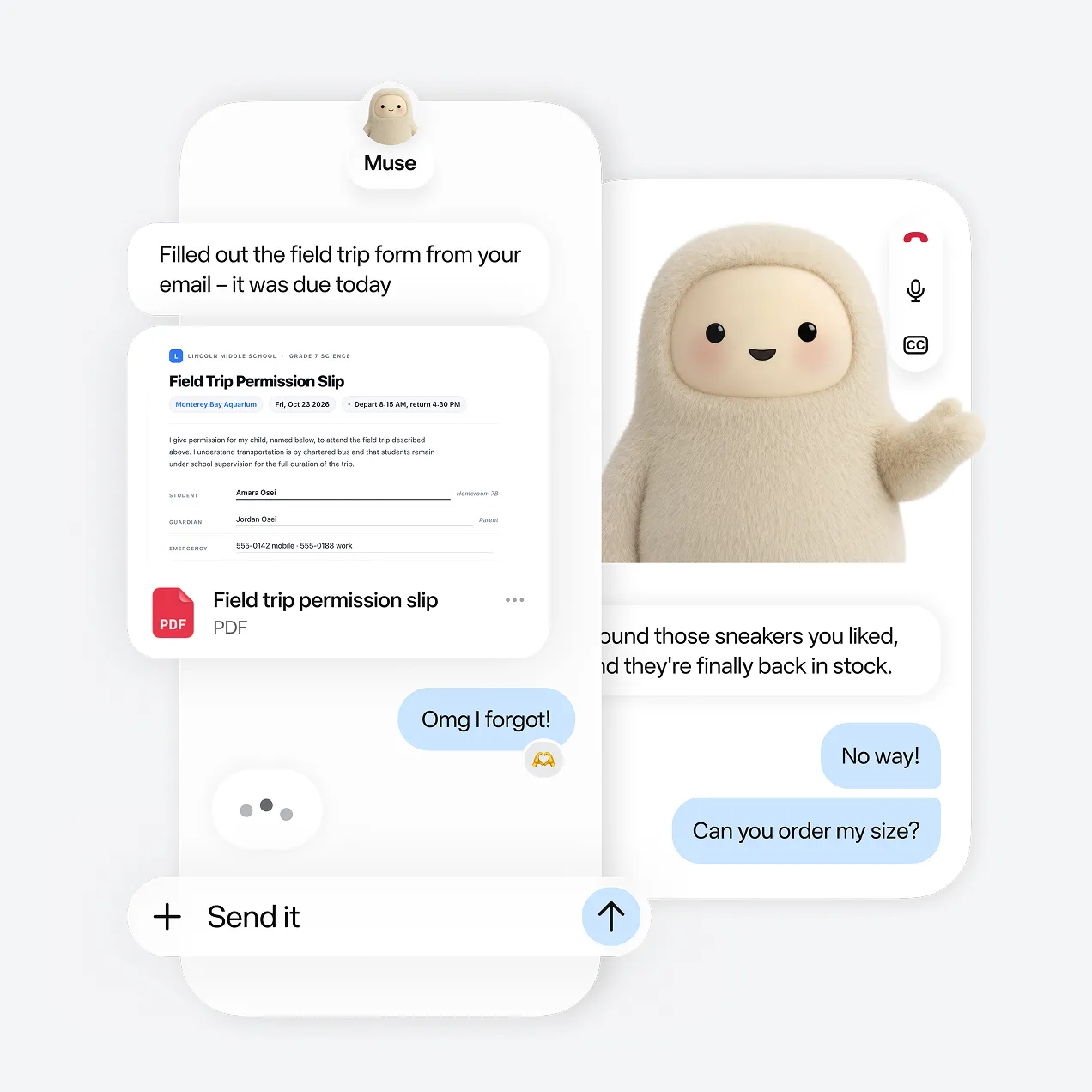 Official Meta Muse product example
Personal AI. Practical support.
Meta Muse helps you turn a busy day into a considered plan.
Prepare for an appointment. Draft a client follow-up. Work through your weekly commitments. Both plans connect your personal Muse to the records you authorize. You review each draft before sharing it.
“Review my appointments, follow-ups and weekly goal. What should I do first today?”
Personal coaching stays personal. Approved business actions belong in the CRM.
Planning, preparation, drafting and accountability, with your goals and context in view.
Add HighLevel AI Employee for web chat, inbound phone reception, appointment booking and handoff to a person.
The AgentOS foundation, extended
DualEstateOS connects your sales business with rental-owner and investor relationships. Keep the relationship, referral source and next service step in view as an owner’s plans change.
Owner and investor journeys. PM referral attribution.
Authorized property views. Clear next actions.
Choose your focus
AgentOS covers buyers and sellers. DualEstateOS adds rental owners, investors and property management referrals.
Compare pricing and order a plan| Your business | AgentOS | DualEstateOS |
|---|---|---|
| Daily work & personal AI | Sales activity, priorities and Muse | The same daily foundation |
| Client relationships | Buyer and seller ClientOS workspaces | Plus landlord and investor ClientOS workspaces |
| Programs & follow-up | Listing and buyer follow-up, plus the Open House App | Plus PM referrals, Manage-2-Market and Sell & Stay |
| Business visibility | Activity, appointments and pipeline | Plus confirmed door attribution and owner milestones |

From your desk to the property
Check the day’s priorities. Prepare for an appointment. Run an open house with a clear visitor follow-up path.
Explore the responsive phone preview and see how the same work can stay organized in the field.
Mobile apps and calling integrations depend on your configuration.See the bigger picture
A visual introduction to the working day, personal AI support, and the broader DualEstateOS opportunity.
AgentOS introduces the working platform behind an RGroup agent’s business: the Today dashboard, Meta Muse AI Chief of Staff, configured AI Employee response, websites and open-house follow-up. DualEstateOS extends that foundation with owner and investor relationships, Manage-2-Market, Sell & Stay and Sniff Test calculators. The closing invitation is to choose your client focus, configure the relevant tools and practice the complete client journey.
Before you explore further
Start with the way you want to work. Build from there.
HighLevel provides the CRM foundation. AgentOS brings that foundation together with daily work views, personal AI support, marketing processes, client service and learning in a real estate operating experience.
Meta Muse helps the agent plan, prepare, draft and follow through. HighLevel AI Employee supports configured inbound conversations, reception, qualification and routing. Their access and actions are defined for your business.
Your account’s configuration defines permitted actions. Muse prepares recommendations and drafts for review. AI Employee and workflows can respond within approved communication rules and escalation paths.
The starting point is your client focus, existing processes and brokerage requirements. Sizzle uses those priorities to define the relevant tools, connections and rollout. The demo helps establish your scope before implementation.
Agents extending their sales business into rental-owner and investor relationships through brokerage-approved services. It adds specialized property pathways while retaining the AgentOS daily operating foundation. PM operations are available only to authorized roles.
Sizzle brands your workspace, sets up your calendar and follow-up, and tests an inquiry with you. Both plans include ClientOS, personal Muse integration and the Open House App. See agent pricing and onboarding fees to choose your plan.
Built around your business
Tell Sizzle about your clients, current tools and the work you want to organize. Start with a personalized platform conversation.